
Here are the steps to activate the integration between igloohome and Rezerv :
igloohome Connection :
If you haven’t done it yet, pair your devices (glass lock, access control, wifi bridge, etc) in the igloohome mobile app.
Go to iglooconnect and log in using your igloohome credentials.
From the iglooconnect homepage, search and select Rezerv.
Connecting Rezerv:
Log in to your Rezerv Account
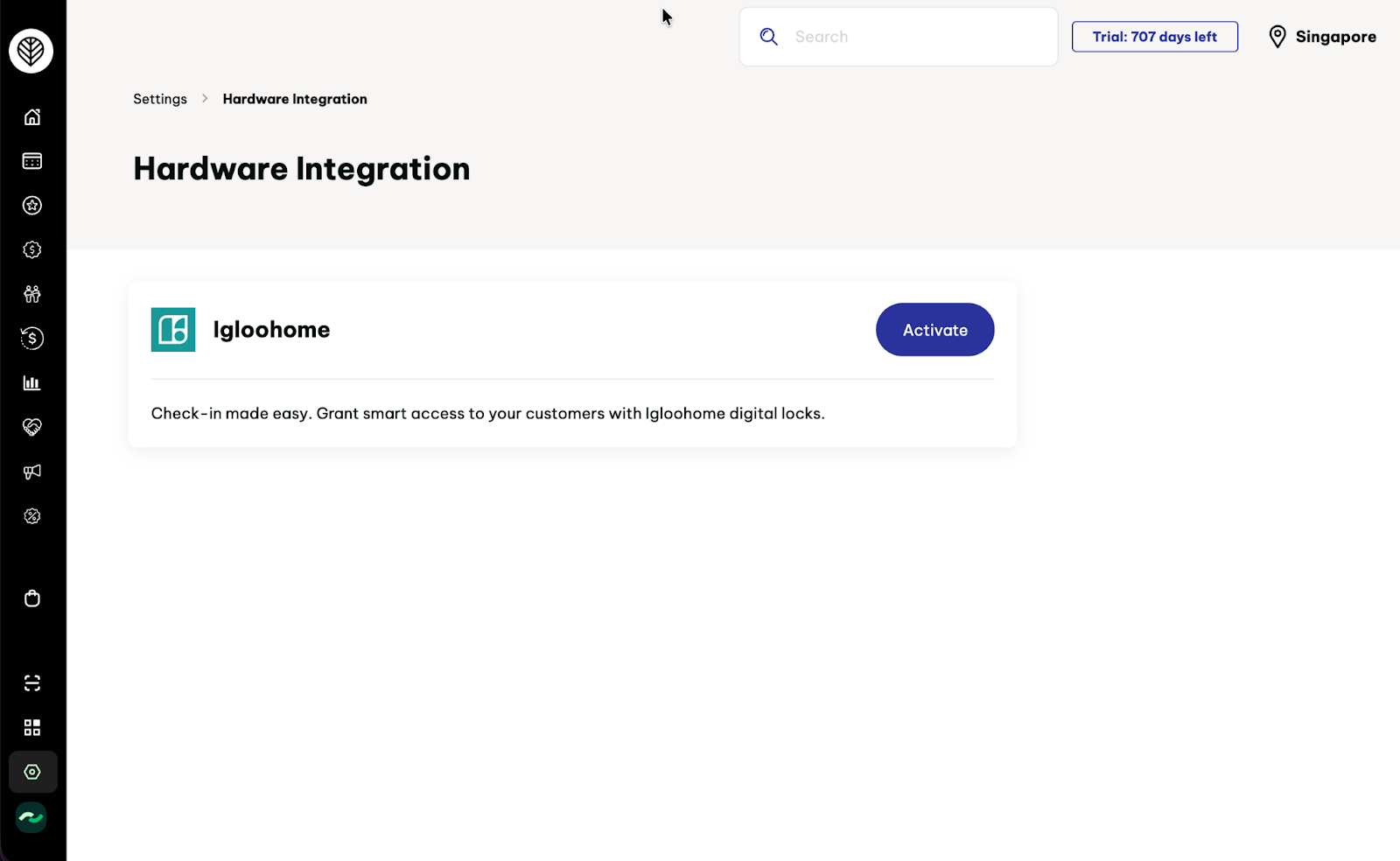
Go to Settings > Integration > Hardware Integrations
Click “Activate” on Igloohome
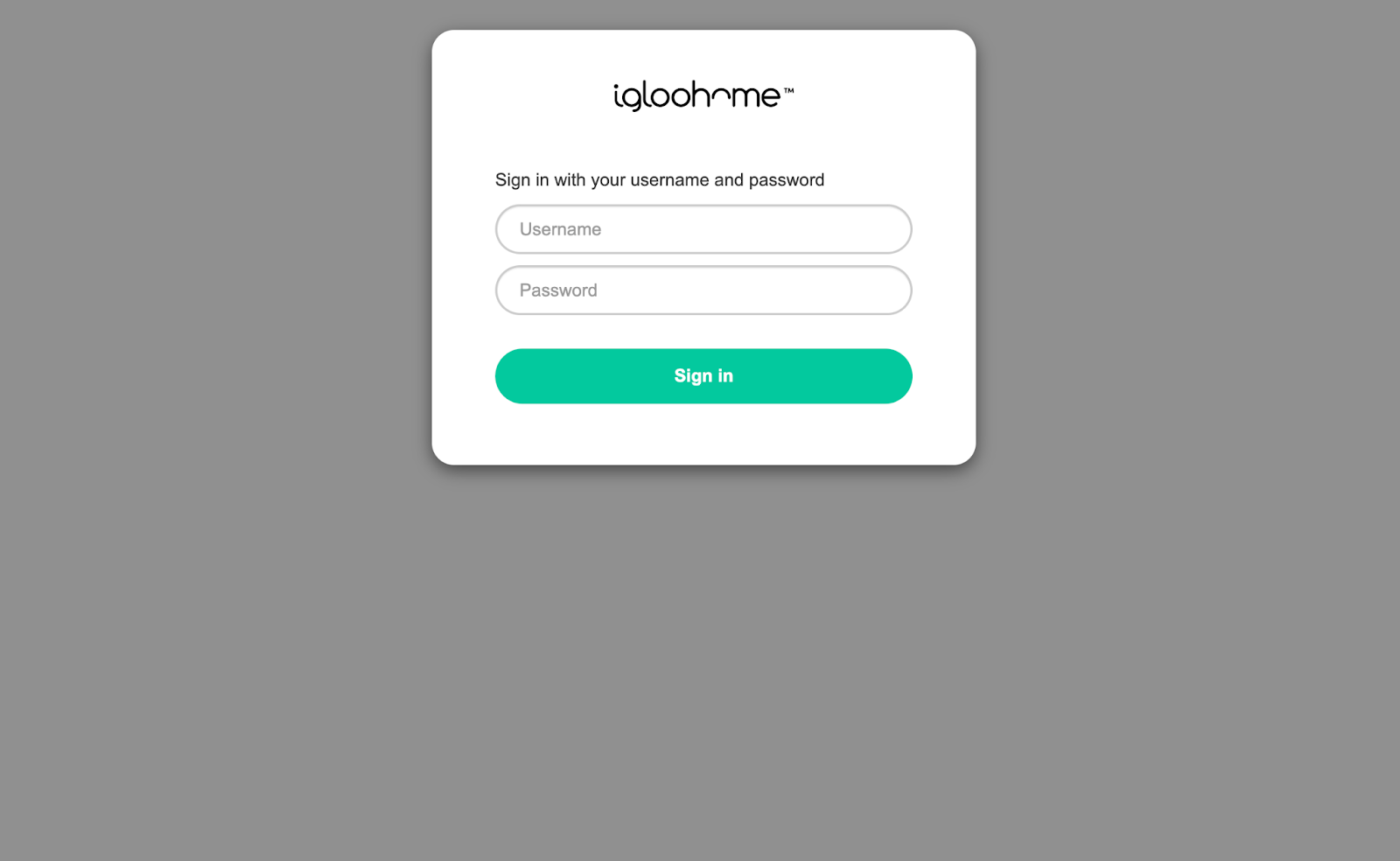
Sign in to your igloohome account to establish the connection with Rezerv.
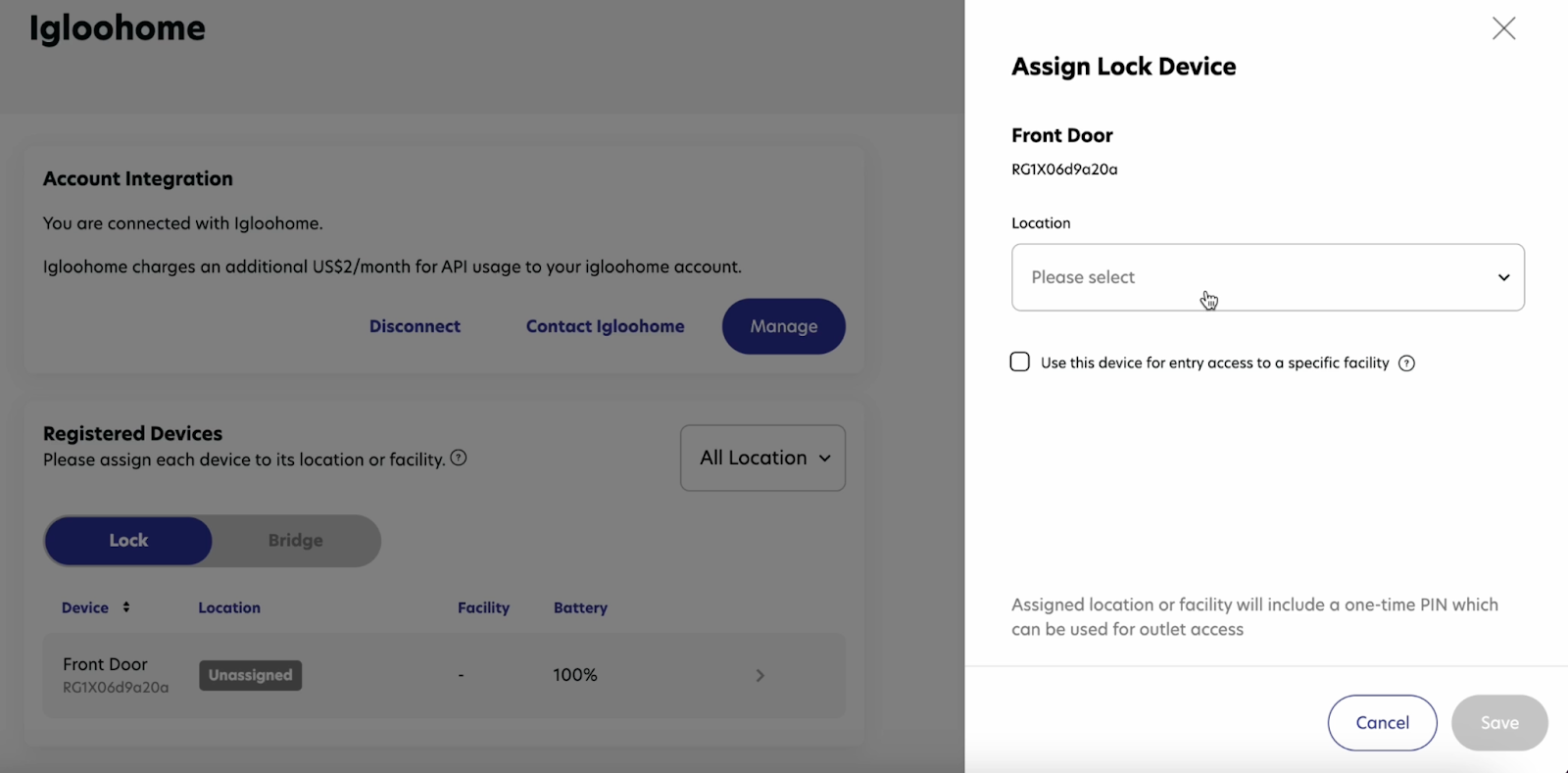
You will see your device under “Registered Devices”. Click the right-arrow icon next to the device.
Assign your device to a location and click Save
Customer Journey at the Gym
Customers arrive at the gym
Open the Rezerv app and navigate to the My Memberships menu
Click Unlock Device on the membership you want to use
The app will automatically use Bluetooth to unlock the door. You also have the option to unlock it with a PIN.
FAQs :
| How does the integration work? What types of credentials are supported? | The igloohome-Rezerv integration generates unique, time-sensitive PIN codes or digital Bluetooth keys for each session. |
| When do the PINs/Digital Keys get sent out? | Pins can either get sent out upon check-in, when the customers arrive at the gym to complete the check-in flow, or in advance by the property manager. |
| I have a new igloohome lock. How do I connect it to a listing? | Pair the lock in the igloohome app, then map it to the correct location in Rezerv (see Step 6 under “Connecting Rezerv”). |
| Do I need a Wifi Bridge for the setup? | Yes, for the integration to work, you need a Wifi Bridge. This will allow the Rezerv system to know when the credentials are used. |
| What if I have many locks (ie, main door, back door, lockers) linked to one studio? | igloohome-Rezerv integration supports up to 3 devices per property. If a bridge is connected, the system will generate the same 6-digit custom code for all the devices. |
| Does the integration support all types of doors? | If you have an igloo lock on the door, the Rezerv integration will work. At the moment, igloo supports most types of doors, including Glass Door, Wooden Door, and doors with existing electric lock (EM or Turnstile). If you have further enquiries on what lock works for your door, please contact our support team. |
Technical and Sales Support from Rezerv: hello@rezerv.co