
igloohome API (iglooaccess) builds on the foundation laid by igloodeveloper, offering even more features and functionality to help you create innovative access solutions for your businesses, products, and services. While the name has changed, rest assured that our commitment to providing top-notch tools and support for developers remains unchanged.
To get started with iglooaccess, you will need an igloohome account. We are pleased to offer a 30-day trial period, allowing you to explore and experience the full potential of iglooaccess. Following the trial period, a nominal fee of USD $2 per active lock per month will apply.
We look forward to supporting your journey towards creating innovative access solutions with iglooaccess.
iglooaccess User Guide
User Login / Registration
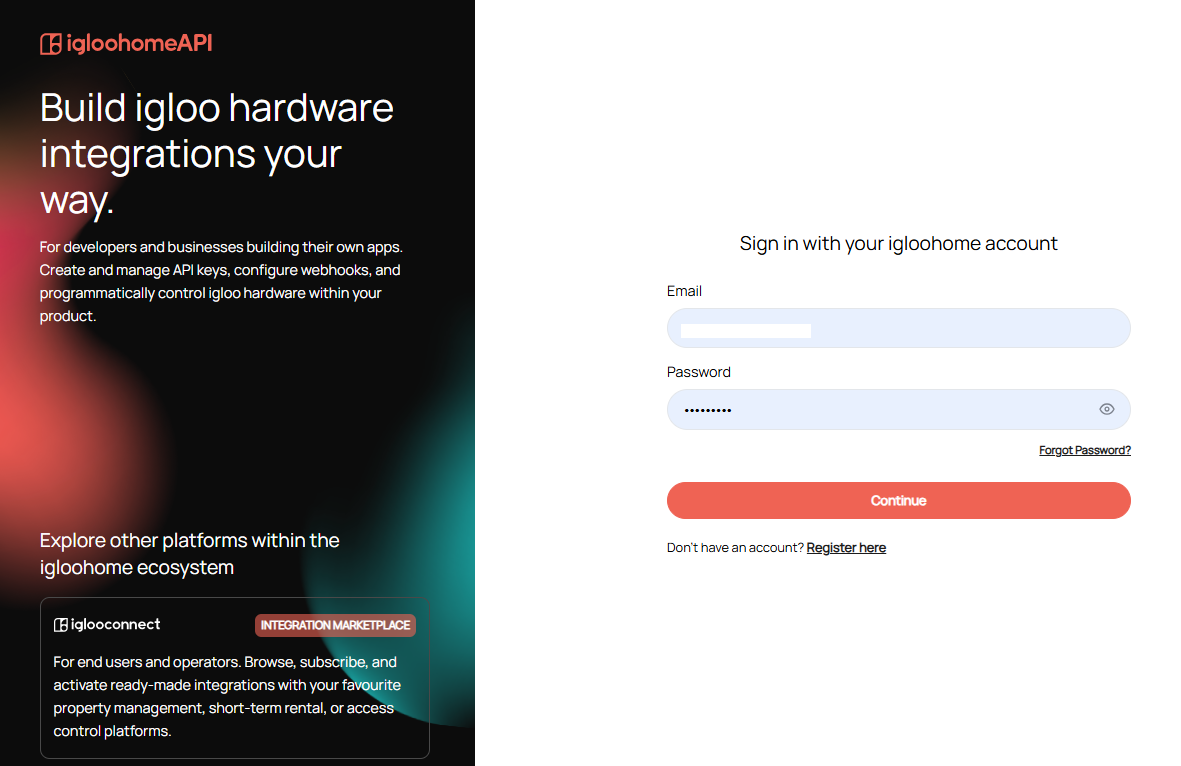
When you navigate to the igloohome API Portal, you'll be greeted with a login page as follows, where you can log in using your igloohome credentials if you already have a valid iglooaccess account activated.
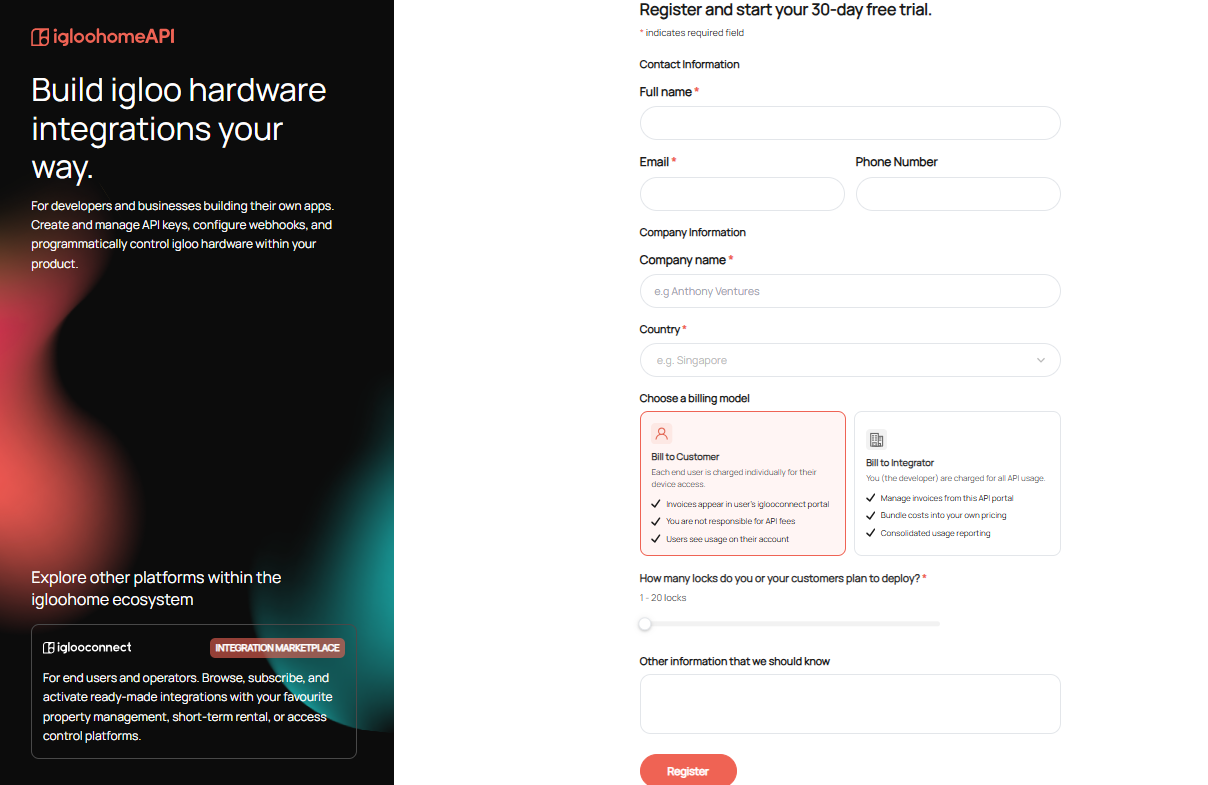
Registration
If you are a first-time user and have no valid iglooaccess account, you can either continue logging in with a valid igloohome account, or you can click on the [Register here] link on the login page, and you will be greeted with the registration page where you will choose between User Account or a Partner Account (both with a 30-day free trial). 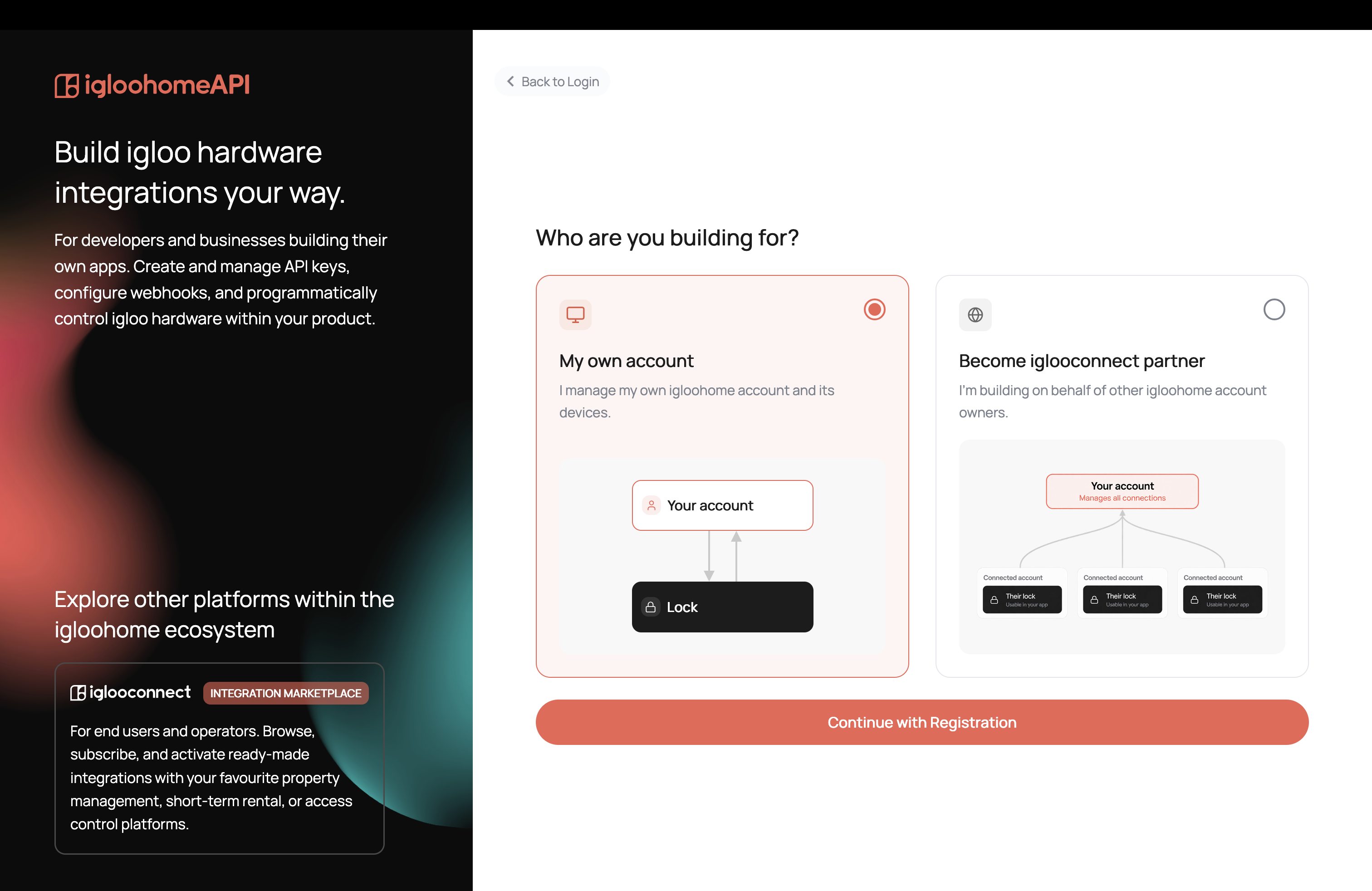
- USER/INDIVIDUAL ACCOUNT: if you manage your own igloohome account and its devices
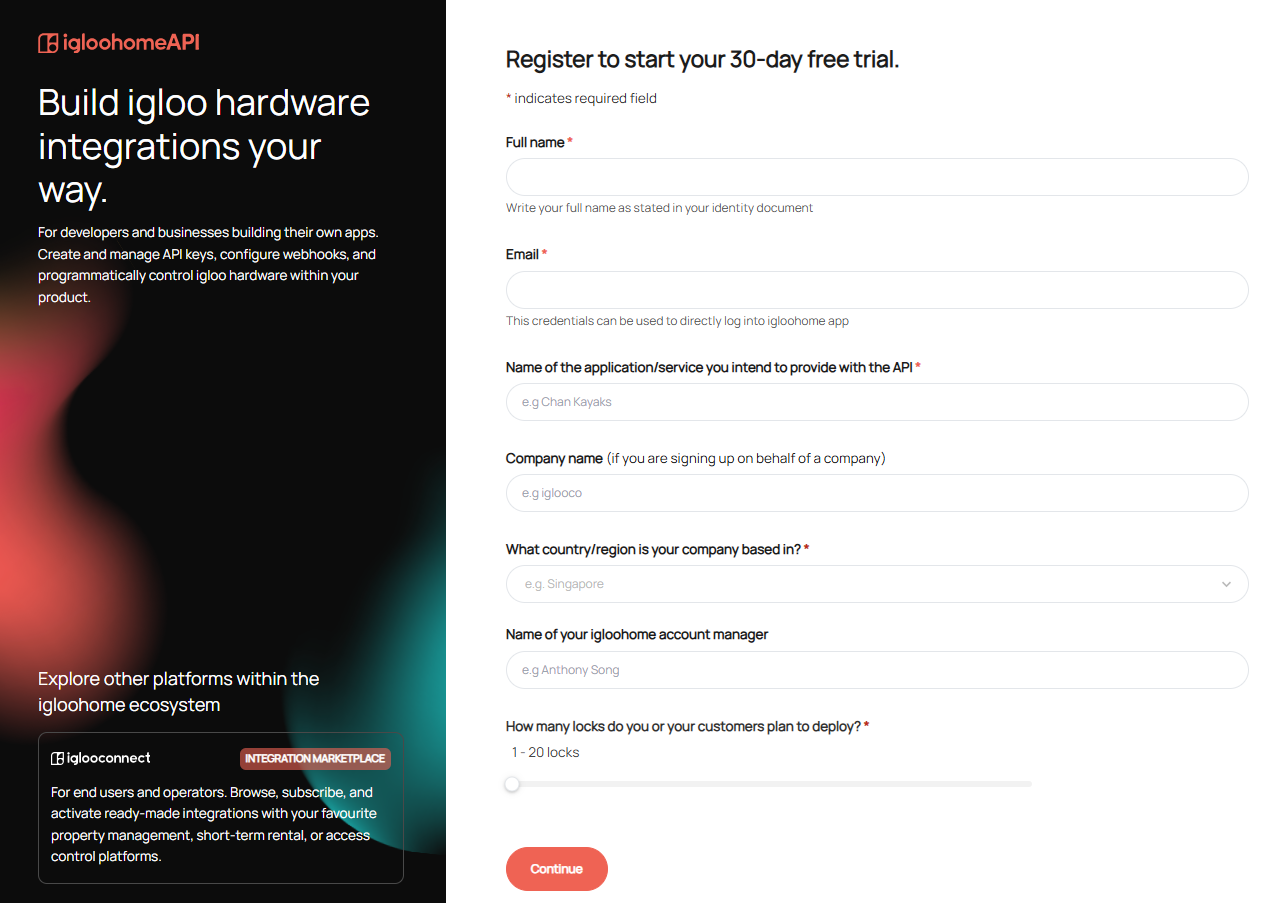
- PARTNER ACCOUNT: if you are building on behalf of other igloohome account owners.
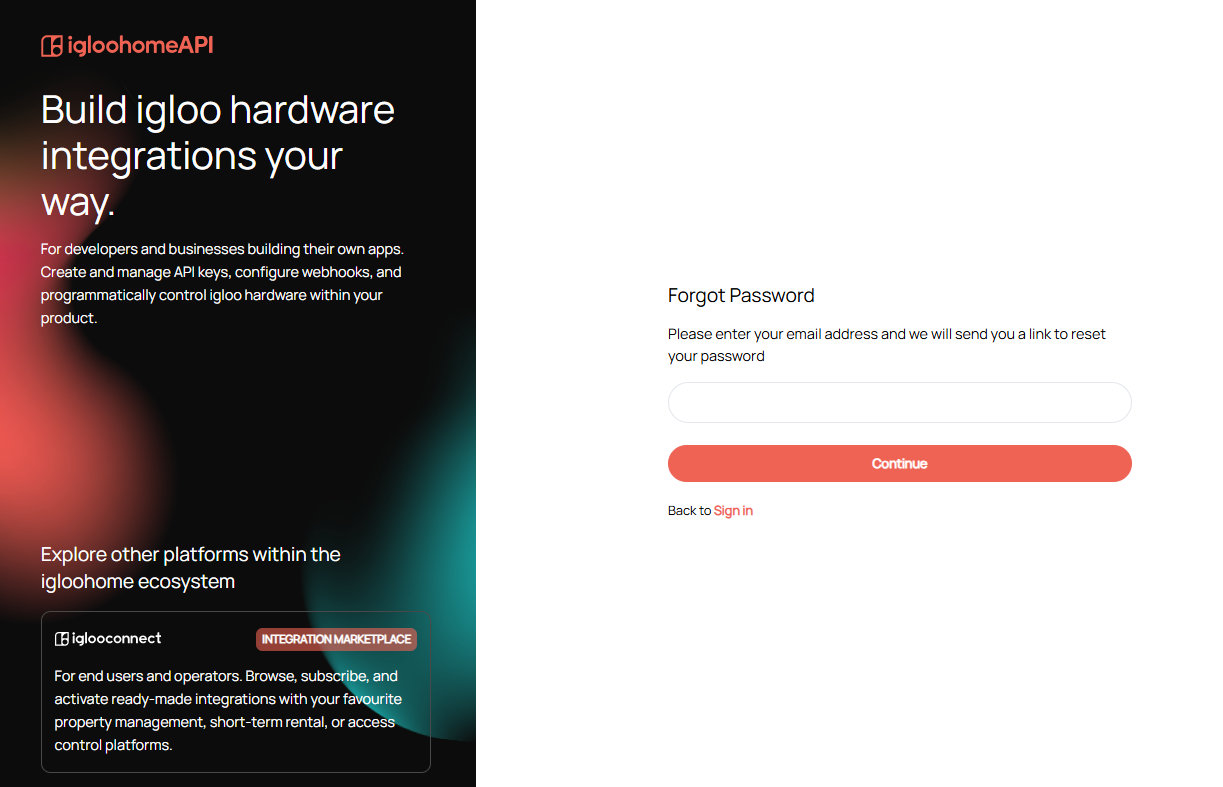
Forgot Password
This is the page where you can request a reset of your igloohome account password, and you would just need to furnish your igloohome account email address by accessing it via [Forgot Password] on the login page.
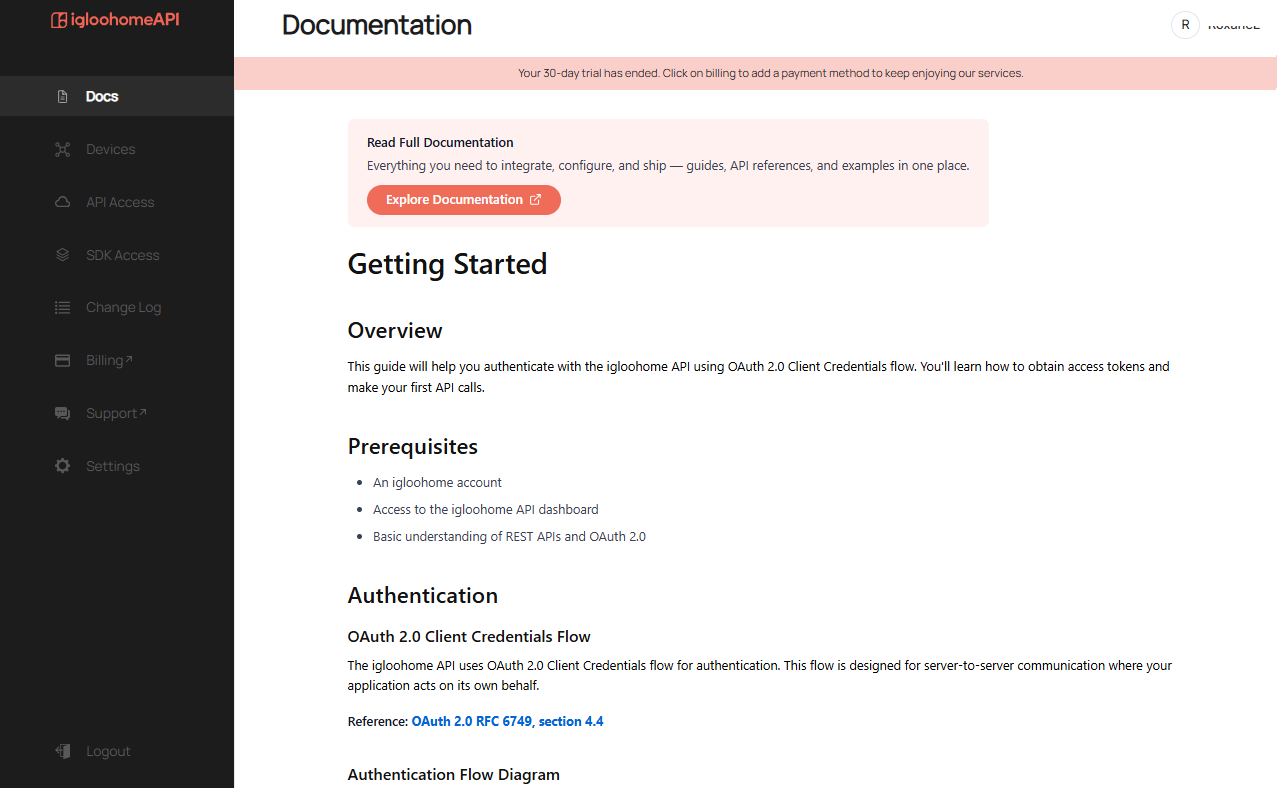
Portal Landing Page
This is the page you will see after successfully logging in, provided you have both a valid igloohome account and iglooaccess account.
On this page, you can access the API Documentation and learn how to get started with the igloohome API and access tokens.
If your iglooaccess account is on a trial, a red banner will appear when your 30-day trial is nearing its end. The banner provides information about the trial expiration and instructions on how to add your credit card details to your account.
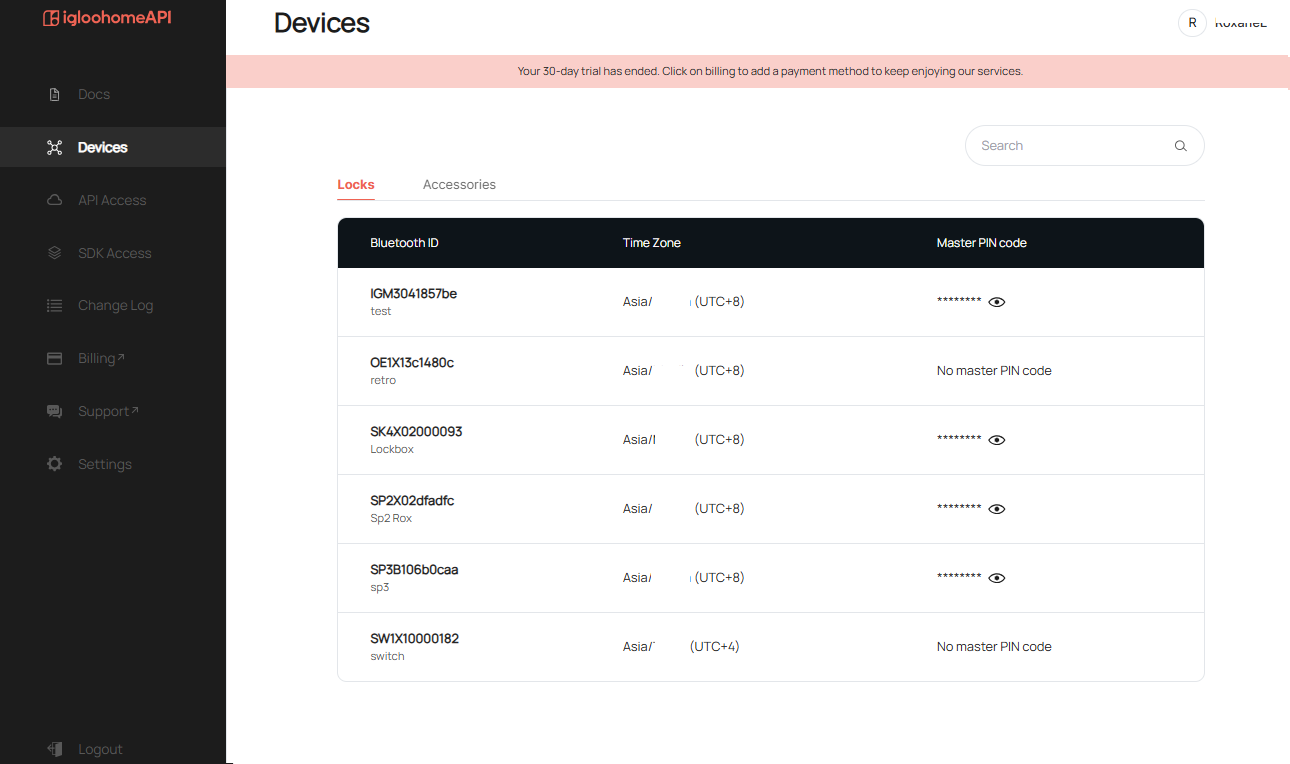
Devices
Locks List Page:
- Locks Bluetooth ID
- Lock Name
- Time Zone that the locks are paired in
- Master PIN code of the relevant locks, where you can click on the eye icon to unmask/mask the master PIN
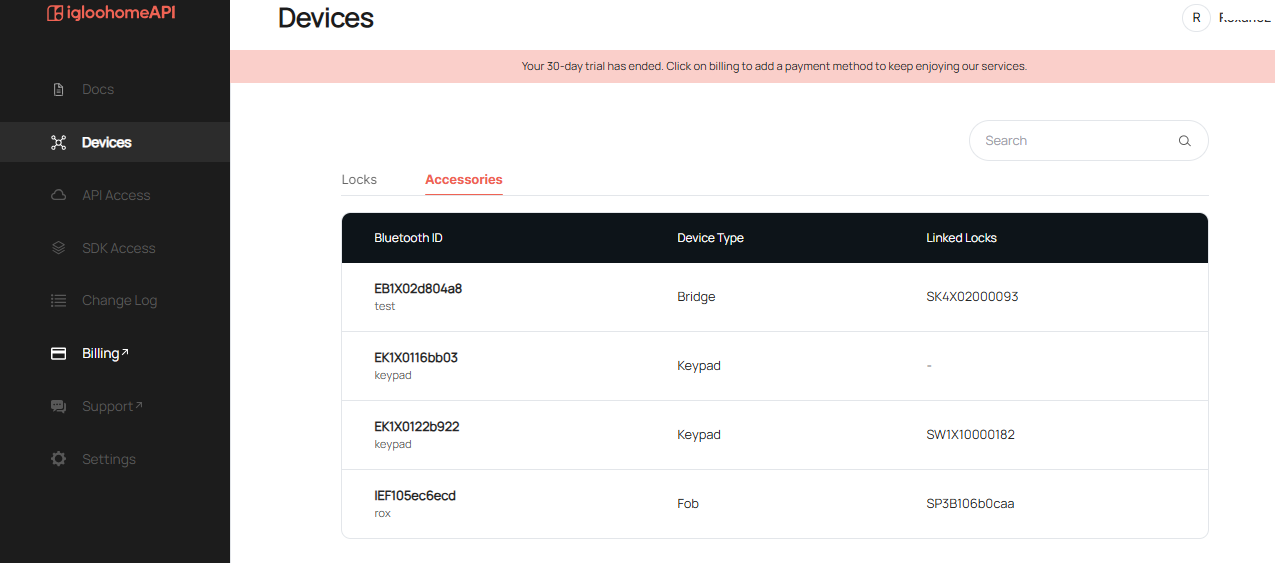
Accessories List Page:
- Accessories Bluetooth ID
- Accessory Name
- Device Type of the accessories
- Bluetooth ID of the locks that the relevant accessories are linked with
API Access
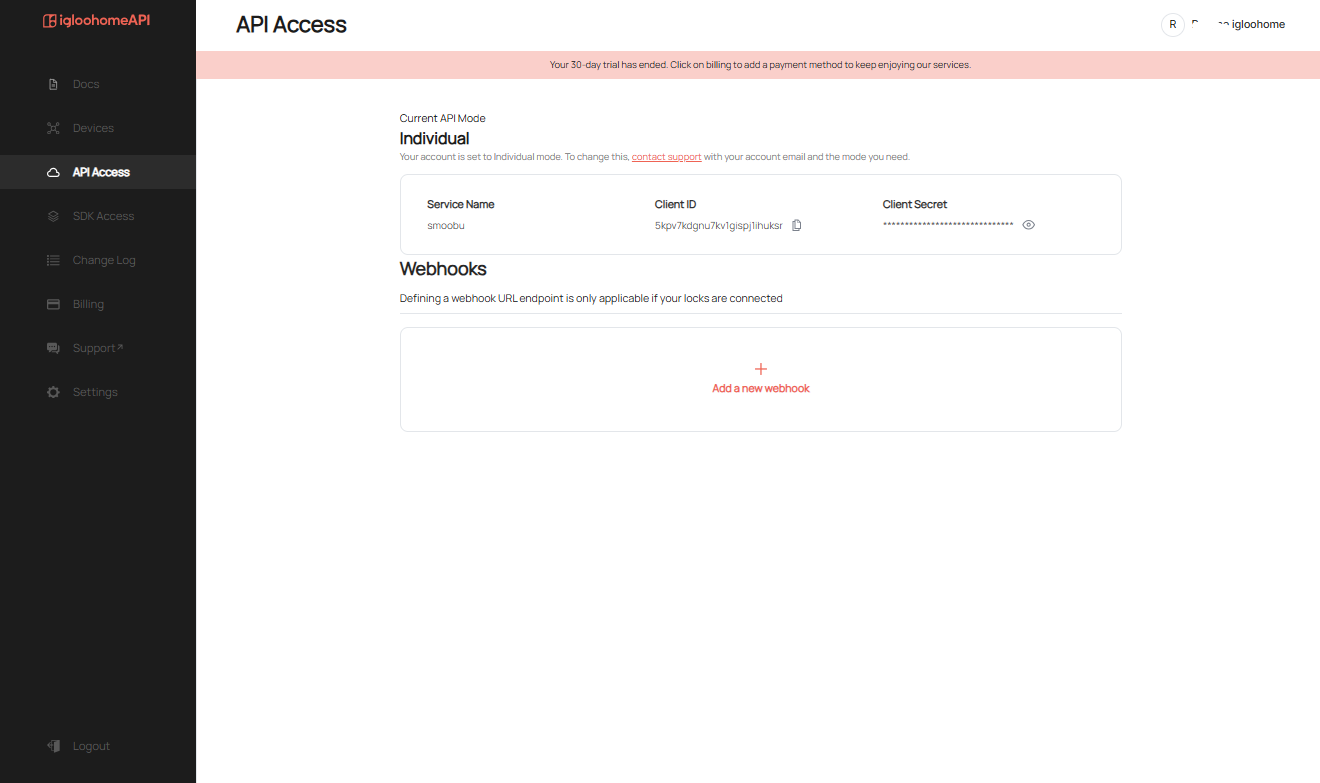
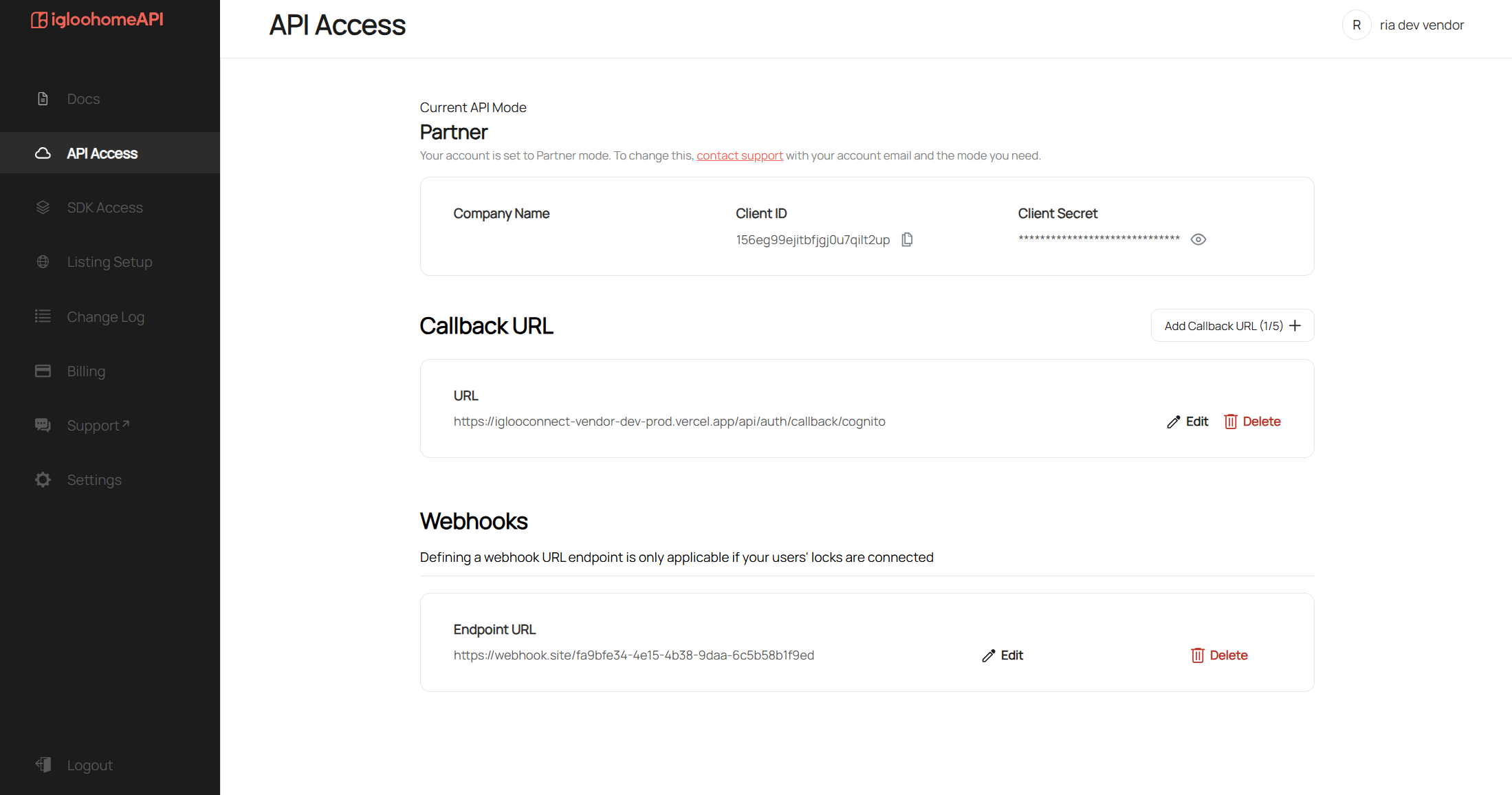
You can see the details of your service name that you furnished during registration and the following details without referring back to the registration email sent by accessing it via API Access on the left menu:
- INDIVIDUAL MODE
- PARTNER MODE
SDK Access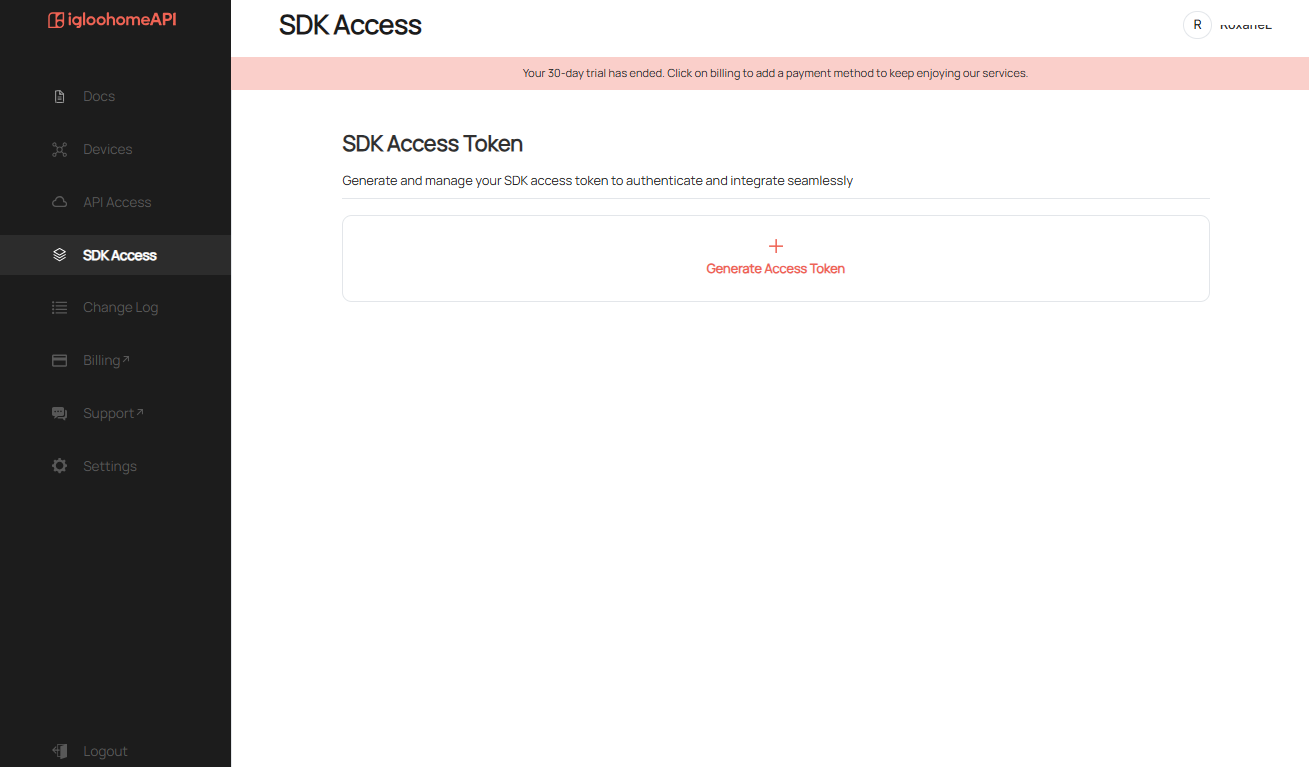
Change Log
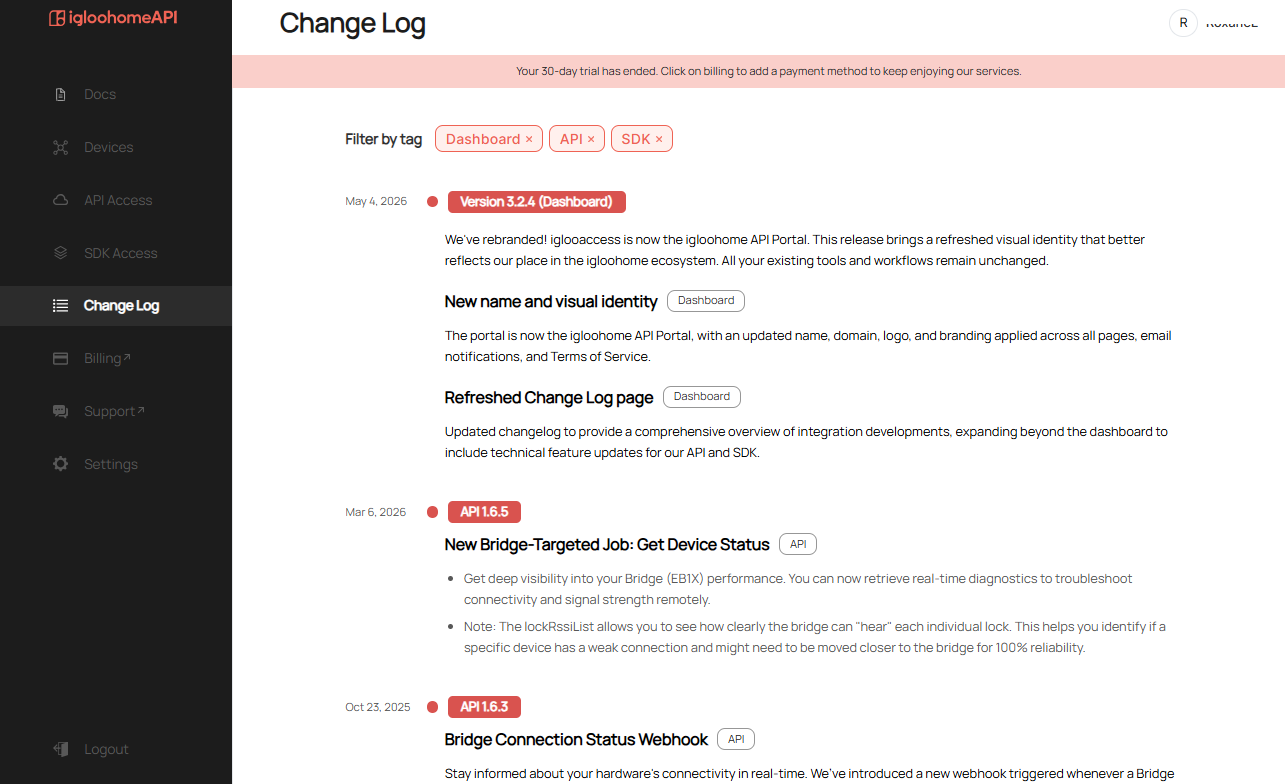
You can view the change logs of the releases that our team has deployed for both the iglooaccess Portal and API gateway by clicking on Change Log on the left menu and filtering by tags [Dashboard/API/SDK].
Billing
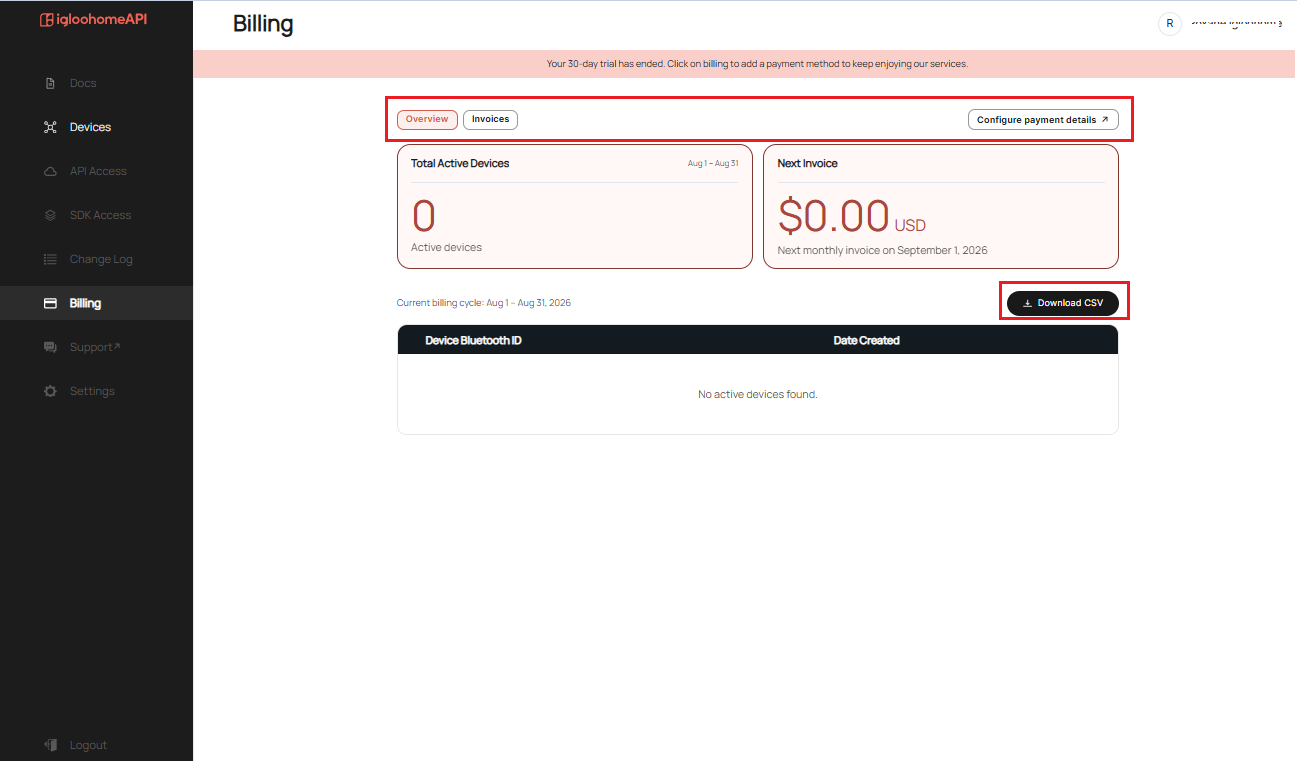
- INDIVIDUAL API MODE - allows users to manage their billing period, active devices, and projected invoice from a single dashboard. Users can also access their complete invoice history, retry failed payments, and export billing data to CSV.
- PARTNER API MODE
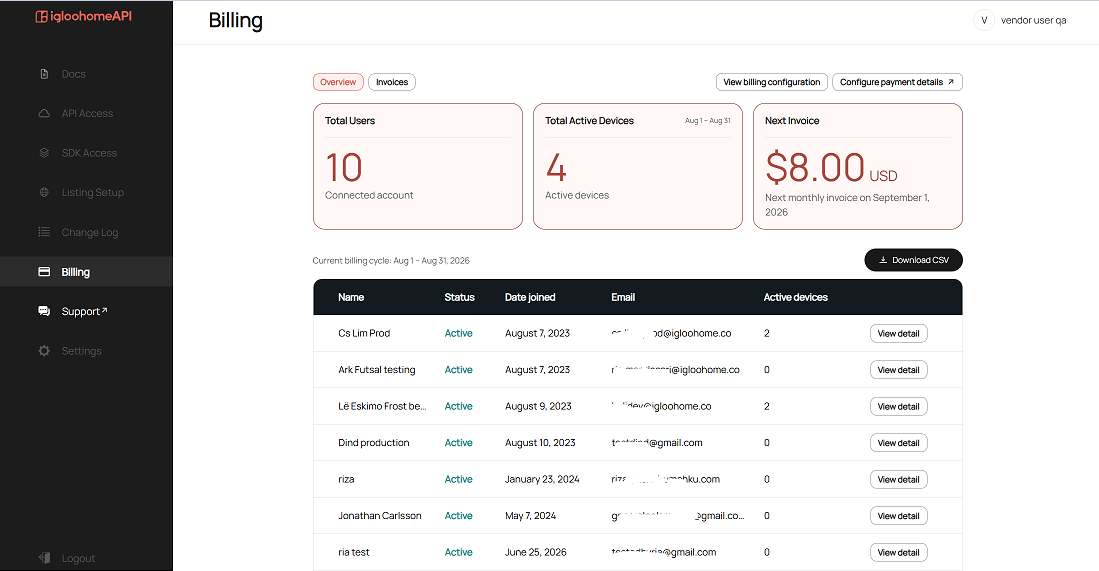
- BILL TO INTEGRATOR - allows partners to view active device counts per connected customer for the current billing period. Partners can also access complete invoice histories, retry failed payments, and export billing data to CSV.
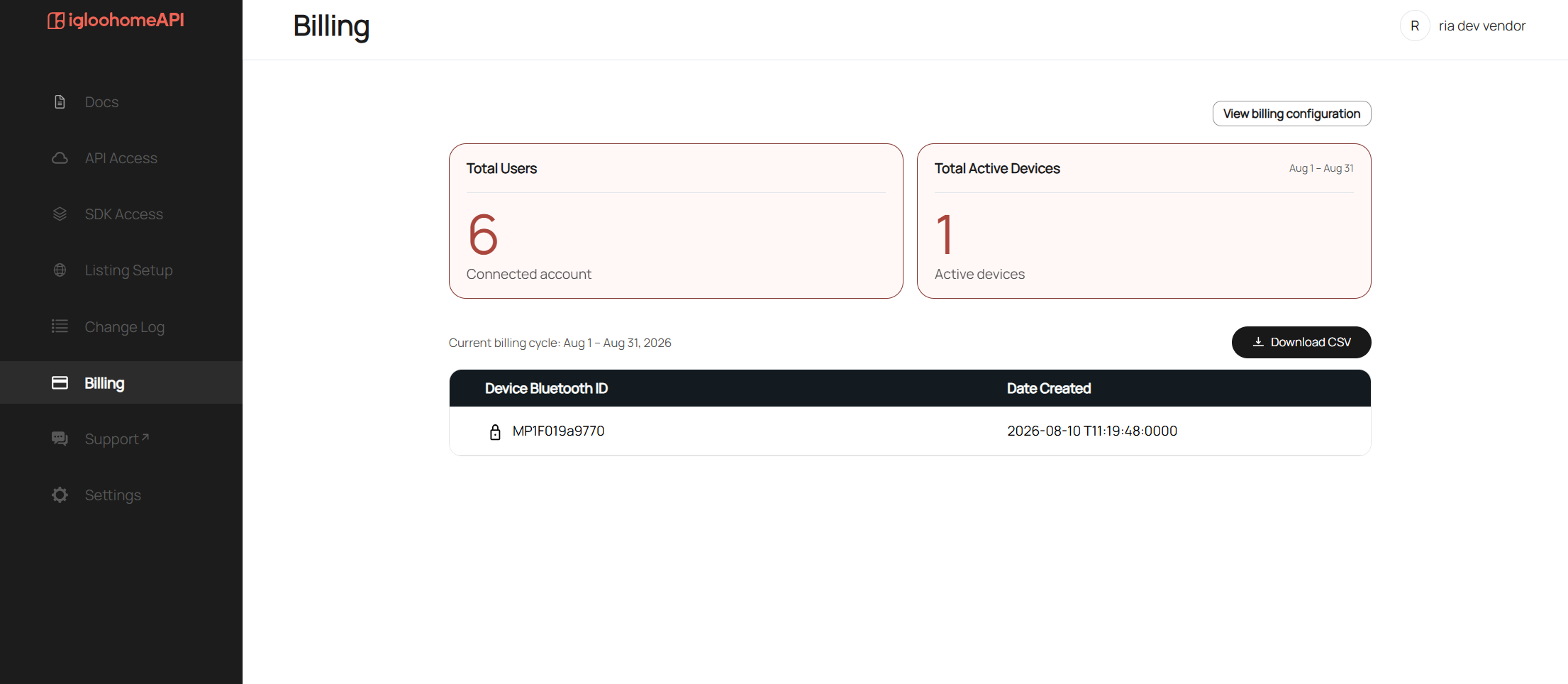
- BILL TO USER - allows partners to view total connected accounts and active devices, as well as export a downloadable CSV of devices for any selected period. Because end users are billed directly, invoice and payment management tools are excluded from this view.
Support
Clicking Support in the left menu redirects you to a new tab where you can submit a support ticket if you encounter any issues with the iglooaccess portal or API gateway.

Settings
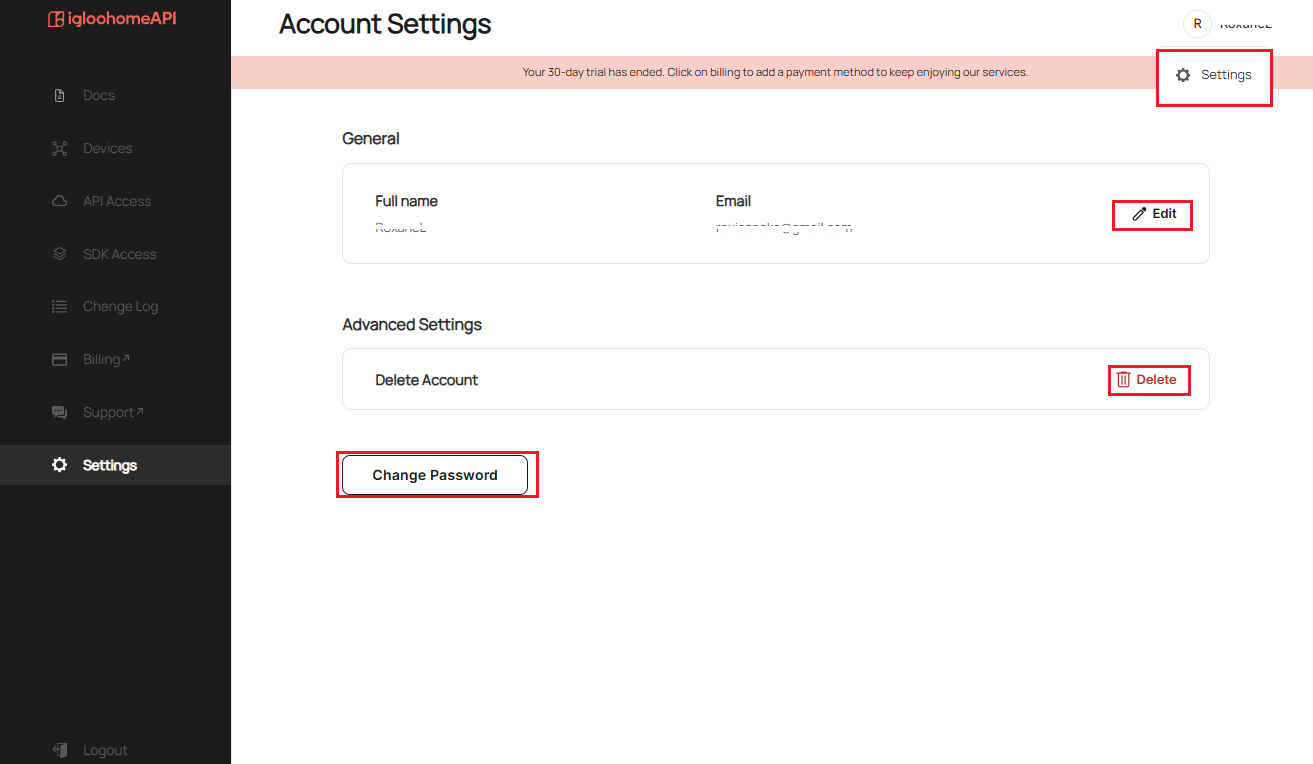
Under Settings, you can edit your account name (maximum of 60 characters), delete your iglooaccess account, or request a password reset. You can access this page by clicking Settings in the left menu, or by selecting your name in the top right corner and choosing Settings.
Logout
Once you click Logout on the [Logout] menu item, you will be logged out from your current session and will be brought back to the iglooaccess Login Page.